



Why hosts search for Expedia iCal sync
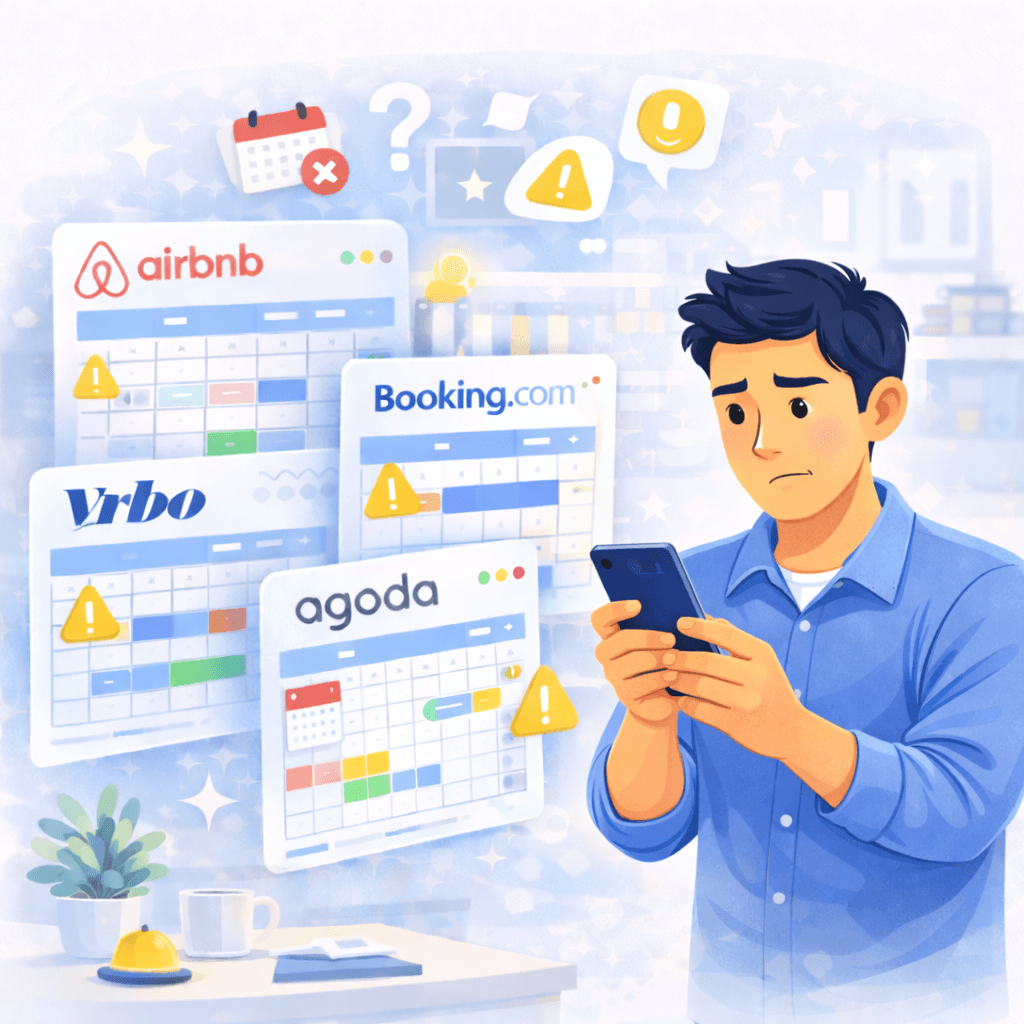
Because bookings do not live in one place, and one missed availability update can create overlaps or a lot of manual double-checking.
Bookings arrive from multiple booking platforms

Availability needs to stay aligned between calendars

Manual double-checking keeps stealing time

Messages and day-to-day operations still live outside the calendar
Plan4Host does not just connect calendars. It makes the operation clearer from booking to arrival.
What Plan4Host adds around Expedia iCal sync
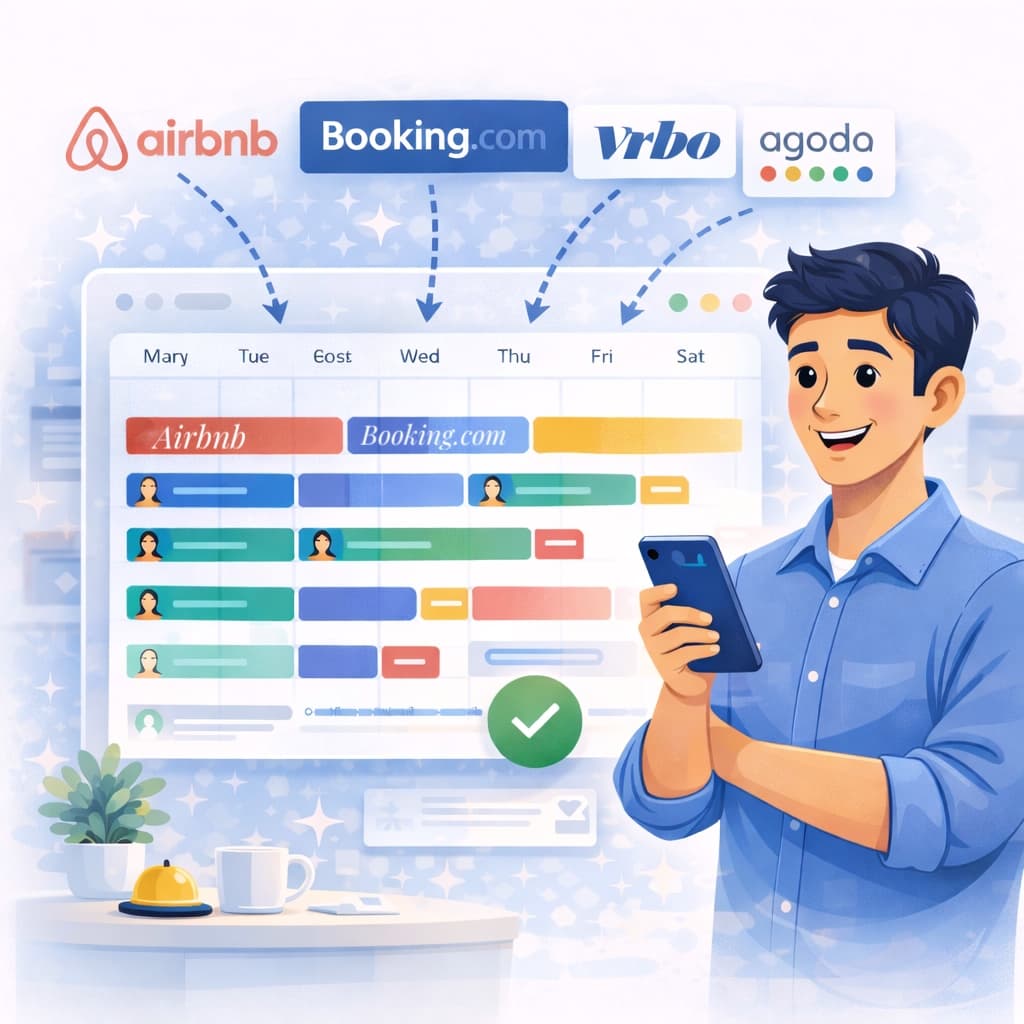
iCal keeps calendars aligned. Plan4Host turns that sync into a workflow that is easier to follow.
- Import and export per apartment, cabin, or unit
- One unified calendar view for all reservations
- Online check-in and guest messages tied to the booking
- Less chaos for both single-unit and multi-unit properties
That is the difference between a plain iCal link and a better controlled operation inside Plan4Host.
How to connect Expedia with Plan4Host
The flow is simple: take the Expedia export iCal URL into Plan4Host, then send the Plan4Host export URL back to Expedia.
- Copy the Expedia iCal export URL.
- In Plan4Host, open Sync Calendars -> Import iCal and create the import for the same unit.
- Paste the Expedia iCal link and save.
- Copy the Plan4Host export URL and add it back into Expedia as an iCal import.
- Verify that bookings and blocks appear correctly in both directions.
The Expedia iCal link and keeping Airbnb or Booking.com aligned
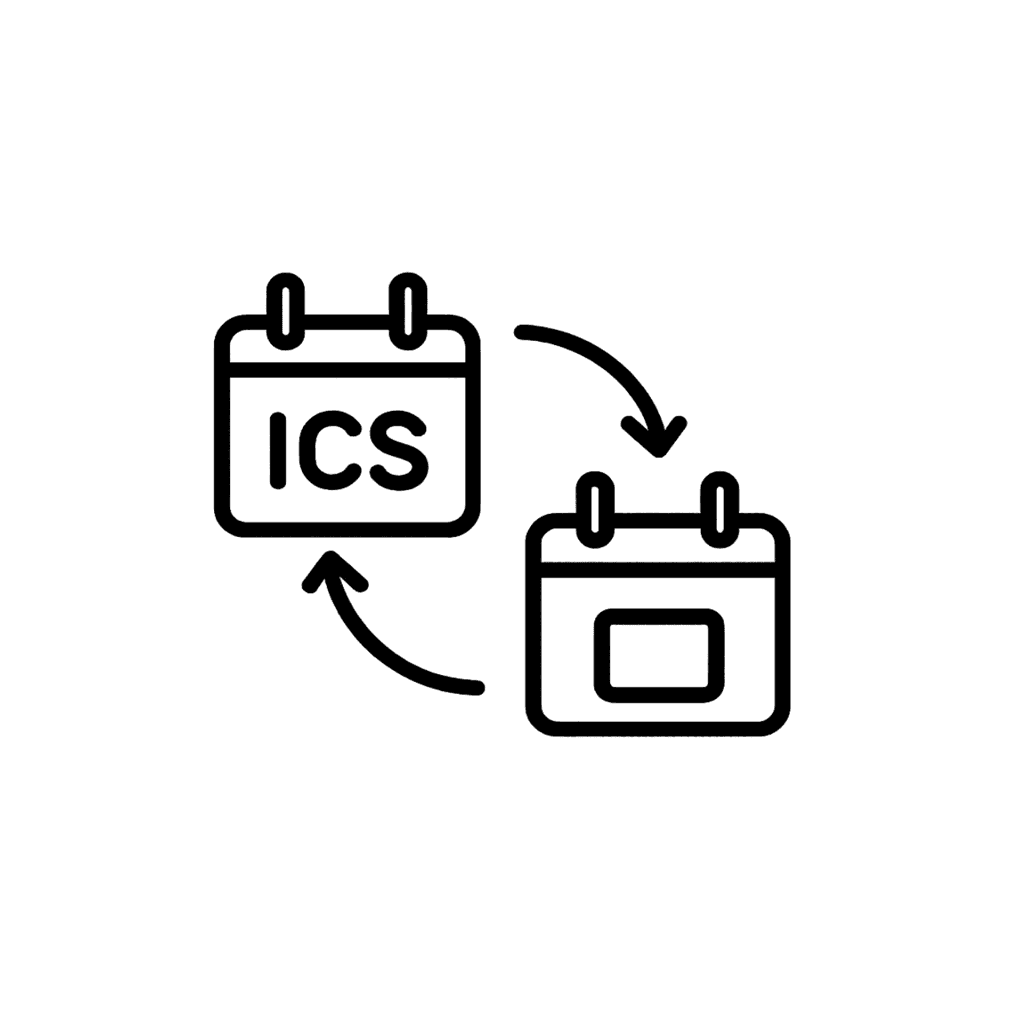
Hosts usually search for Expedia iCal sync when they need Expedia aligned with Airbnb or Booking.com and want one calendar view instead of separate tabs.
Connect the Expedia iCal link
Copy the Expedia export link and connect it inside Plan4Host for the same property.
Keep Expedia and Airbnb aligned
If you use both platforms, Plan4Host helps you keep bookings and blocked dates visible from one place.
Go beyond a plain iCal link
iCal keeps dates aligned. Plan4Host adds the unified calendar, online check-in, and guest messaging around that sync.
What iCal includes and what it does not include
Included in iCal sync
- reservations and blocked dates
- basic availability handoff between calendars
- simple cross-platform calendar alignment
Not included in iCal sync
- pricing rules and revenue logic
- guest messaging
- guest data collection through online check-in
- day-to-day operational coordination
That is why many hosts need more than iCal alone. Plan4Host combines sync with a unified calendar, online check-in, and guest messaging.
Frequently asked questions
What is Expedia iCal sync?
Expedia iCal sync means bookings and blocked dates are exchanged through .ics calendar links between Expedia and Plan4Host.
Does it update instantly?
Not always. iCal also depends on each platform's refresh rhythm, so it should not be treated like a fully instant API sync.
Does iCal also sync pricing or messages?
No. iCal mainly syncs bookings, blocks, and basic availability, not pricing rules, inbox messages, or deeper workflow logic.
Why use Plan4Host if I already have iCal?
Because iCal alone keeps calendars connected, while Plan4Host adds the unified calendar, online check-in, and guest messaging around that sync.
Is this useful for apartments, cabins, and multi-unit properties?
Yes. You can map imports and exports per apartment, per cabin, or per unit so the sync stays clear as your setup grows.
Is it still useful if I only use Expedia today but plan to grow later?
Yes. Many hosts start with one booking platform and later add more channels, and Plan4Host keeps the operation easier to manage as they scale.
Where do I add the Expedia iCal link?
Copy the Expedia export iCal link, add it inside Plan4Host as an import, then send the Plan4Host export URL back into Expedia.
Can I sync Expedia and Airbnb with iCal?
Yes. Plan4Host can keep Expedia and Airbnb aligned through iCal while giving you one unified calendar view around that sync.
What does Expedia iCal sync update?
It mainly updates reservations, blocked dates, and base availability rather than pricing rules, inbox messaging, or deeper operations.
Ready to connect Expedia and run things more clearly?
Start with iCal sync and continue in the same place with the unified calendar, online check-in, and guest messaging.